
Platform — Integrations
Integrations
Connect NextHR with accounting software, WPS banking partners, SSO identity providers and biometric devices. Build custom integrations with the REST API and webhooks — available on Professional edition.
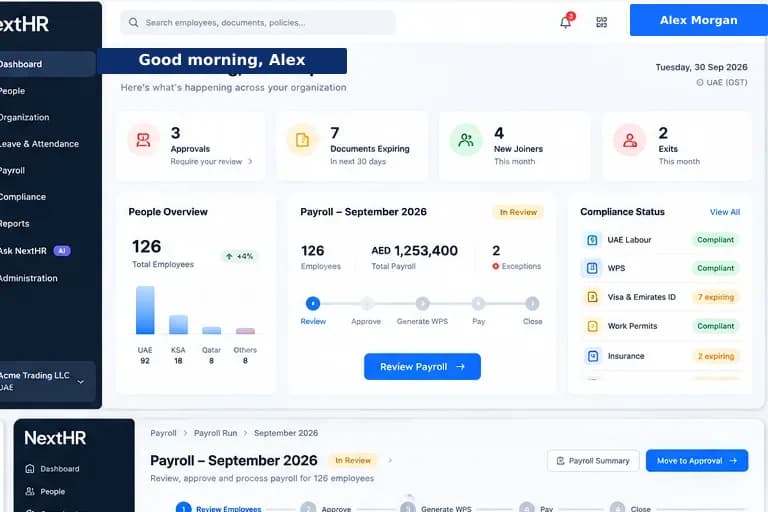
NextHR connects with the systems your GCC business already uses — and opens up via API for custom builds.
Accounting Integration
Connect with accounting software for payroll journal entries, cost-centre mapping and payroll expense management. Reduces manual data re-entry between payroll and finance.
UAE WPS Banking
WPS SIF file generation for UAE payroll. Submit the SIF file through your WPS-registered bank or approved WPS agent. NextHR generates the correctly formatted file; you upload to your bank portal.
SSO & Identity Providers
Single sign-on with Azure Active Directory and Google Workspace via SAML/OIDC. Employees sign in with their existing company credentials — no separate NextHR password required.
Biometric Attendance
Integration with fingerprint and face recognition attendance devices. Attendance records feed directly into the NextHR attendance and timesheet module.
REST API
Full REST API available on Professional edition. Connect NextHR with your ERP, CRM, custom tools or any third-party system that can make HTTP requests.
Webhooks
Real-time webhooks for key events — payroll completion, leave approval, document generation and more. Push notifications to your downstream systems instantly.
Developer Documentation
REST API documentation, endpoint reference and integration guides available for Professional edition customers. Developer support included.
API Authentication
OAuth 2.0 and API key authentication for REST API access. Secure, token-based access with configurable permission scopes.
How it works
Connecting NextHR with your tech stack
Configure your integration
From the integrations section, select the integration type — SSO, WPS, accounting, biometric, or API. Each integration has a guided configuration wizard.
Authenticate the connection
Authenticate with your identity provider, accounting system or API consumer. Credentials are stored securely and never visible after setup.
Map data fields
For accounting integrations, map NextHR pay elements to your chart of accounts. For biometric devices, map device employee IDs to NextHR employee records.
Test the integration
Run a test sync or test event before going live. Verify that data flows correctly between NextHR and the connected system.
Enable and monitor
Enable the integration for live use. Integration logs show each sync event, success or error, for monitoring and troubleshooting.
Build custom via API
For systems without a built-in integration, use the REST API to build any custom connection. API documentation and sandbox access provided for Professional edition.
Key benefits
What you get with NextHR
- UAE WPS SIF file generation in MOHRE-approved format
- SSO with Azure AD and Google Workspace (SAML/OIDC)
- Accounting software integration for payroll journals
- Biometric attendance device integration
- REST API for any custom integration (Professional edition)
- Webhooks for real-time event-driven integration
- OAuth 2.0 and API key authentication
- Developer documentation and integration support
Built for the GCC
GCC businesses use a varied technology mix: Middle East editions of popular accounting platforms, locally mandated WPS banking systems, biometric attendance devices on construction sites or warehouses, and enterprise ERPs from global vendors. The NextHR REST API means that if a direct integration does not exist, your technical team or a systems integrator can build it. API access is available on the Professional edition.
FAQ
Frequently asked questions
How does WPS SIF submission work?
Once UAE payroll is approved, NextHR generates a WPS SIF (Salary Information File) in the MOHRE-prescribed format. You download the file and upload it to your WPS-registered bank's portal for processing. NextHR does not submit directly to the bank or MOHRE — the SIF file is your submission artefact. Verify the format with your bank before your first submission.
Is the REST API available on all editions?
The REST API and webhooks are available on the NextHR Professional edition. The Basic edition does not include API access. Contact the NextHR team to learn about upgrading to Professional.
Which SSO providers does NextHR support?
NextHR supports SAML 2.0 and OIDC-compatible identity providers. Tested integrations include Azure Active Directory (Microsoft Entra ID) and Google Workspace. Other SAML-compliant providers should work with manual configuration — contact support if you need guidance for a specific provider.
Can I connect NextHR to my ERP?
With the REST API on Professional edition, you can connect NextHR to any ERP or business system that supports REST API integration. Use the API to push employee data, payroll journals or headcount information to your ERP. API documentation is provided for Professional edition customers.
What events can trigger a webhook?
Webhook events include: payroll run completed, leave request approved/rejected, employee record created/updated, document generated, and payslip published. Additional webhook events are added with platform updates. Professional edition customers can configure which events trigger webhooks and where they are sent.
Ready to get started?
Explore Integrations as part of the complete NextHR platform.